Designers
A controlled cartographic composition with editable type and layout.
Live data. Deliberate composition.
Turn HydroRIVERS data into print-ready cartography. Select a geography, choose a visual protocol, and generate a poster from the underlying river network.
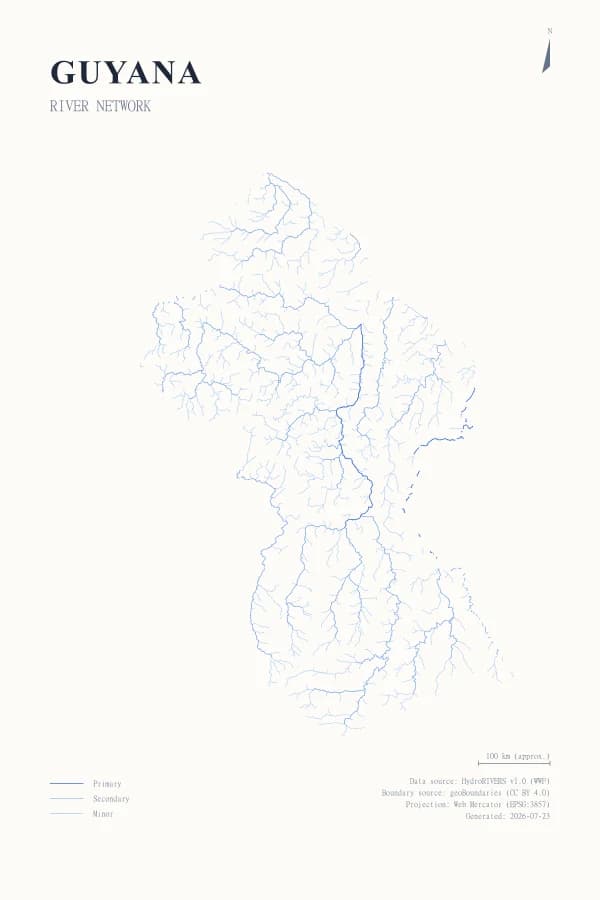
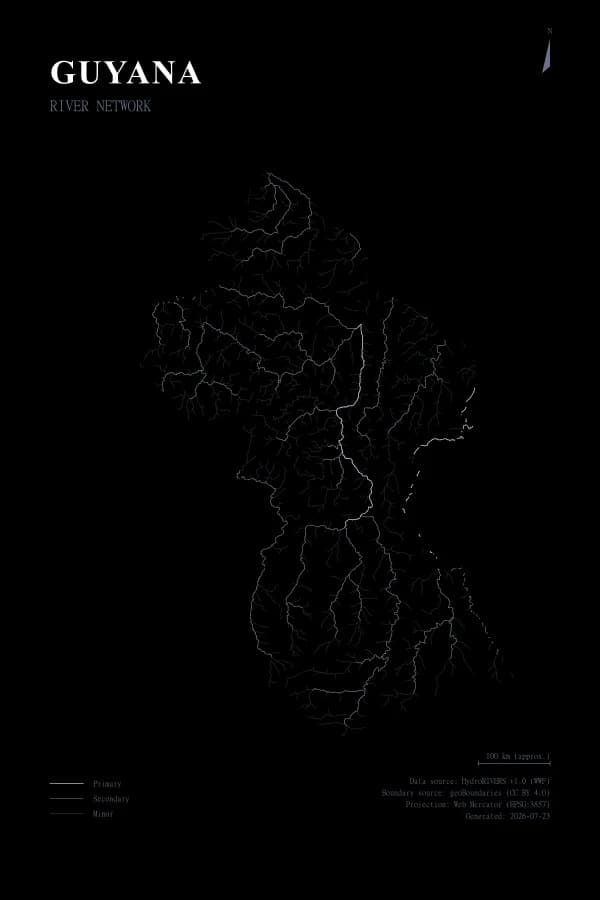
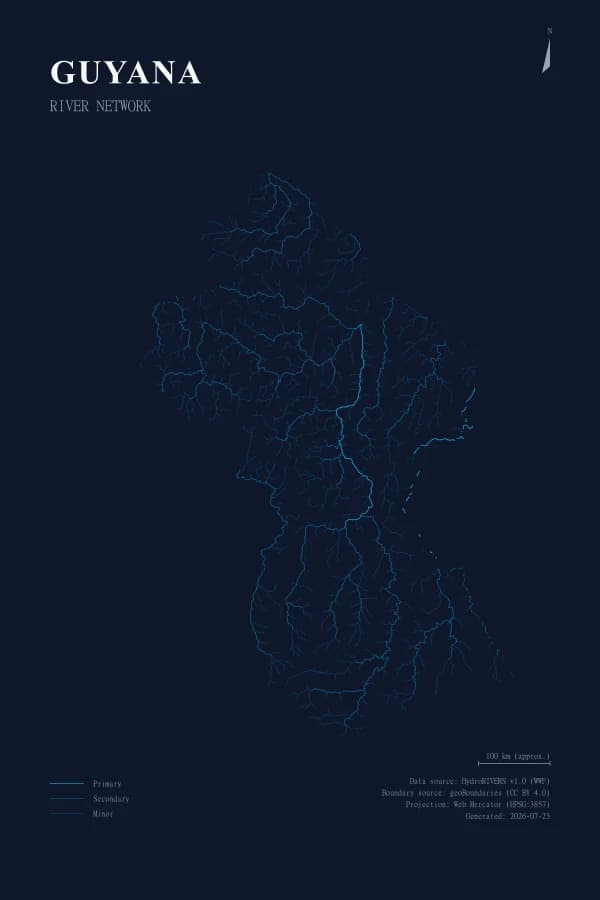
One geography, three treatments
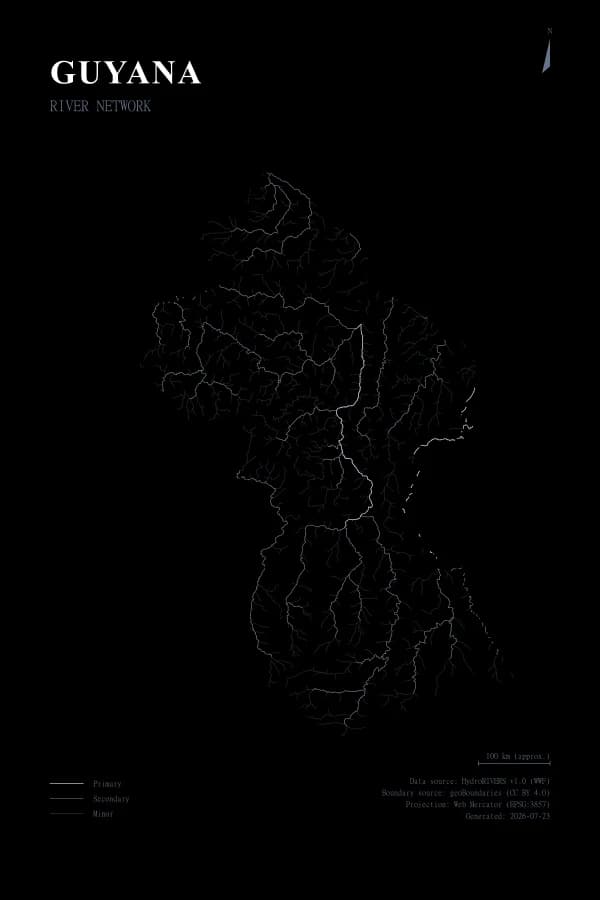
Each example below was generated from the same Guyana river network using a current application palette.
Built for communication
A controlled cartographic composition with editable type and layout.
A reproducible render from a supported geography and hydrographic network.
Print-ready visual communication with visible source and metadata controls.
A focused workflow built around structured settings, preview, and export.
From spatial data to finished artwork
01
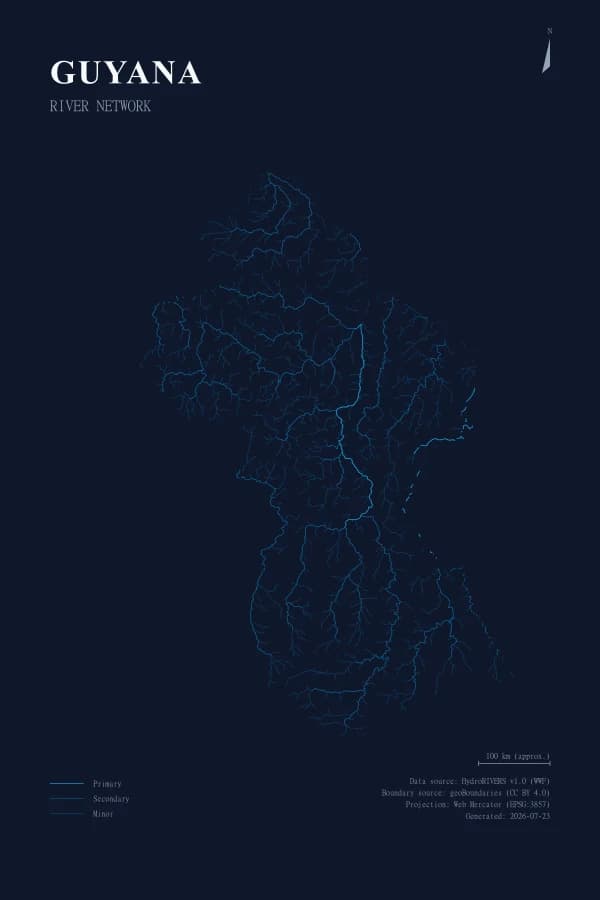
Choose a supported geography. PostGIS clips the HydroRIVERS network to its exact boundary.
02
Density rules sort rivers into a restrained visual hierarchy, from primary channels to minor tributaries.
03
Typography, legend, north arrow, scale, and source details are placed through a consistent poster protocol.
04
Review the finished composition, then export it for print or continue working with the vector design asset.